About this product
About this product
Live Preview: https://codepair.soidesmax.store
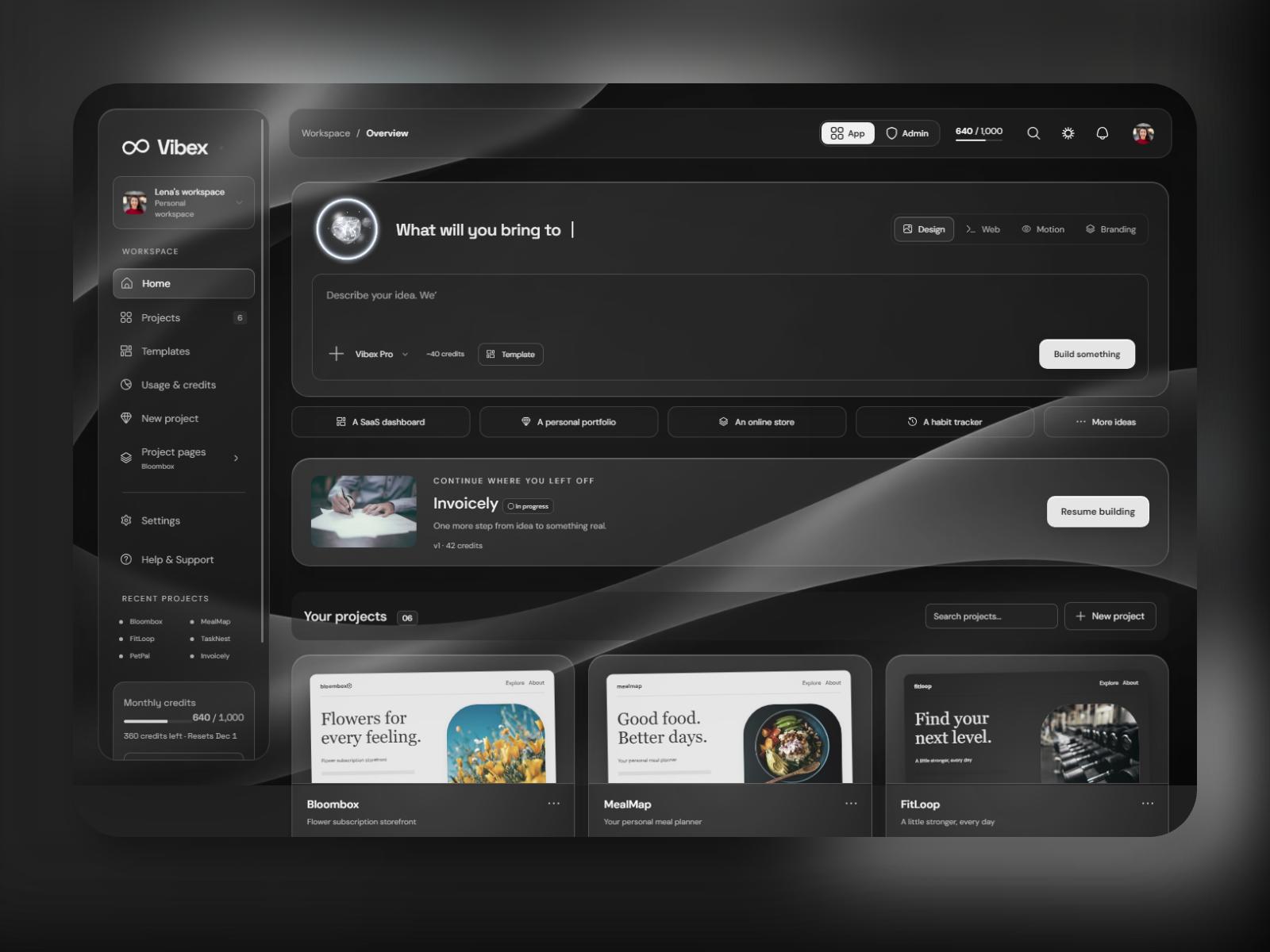
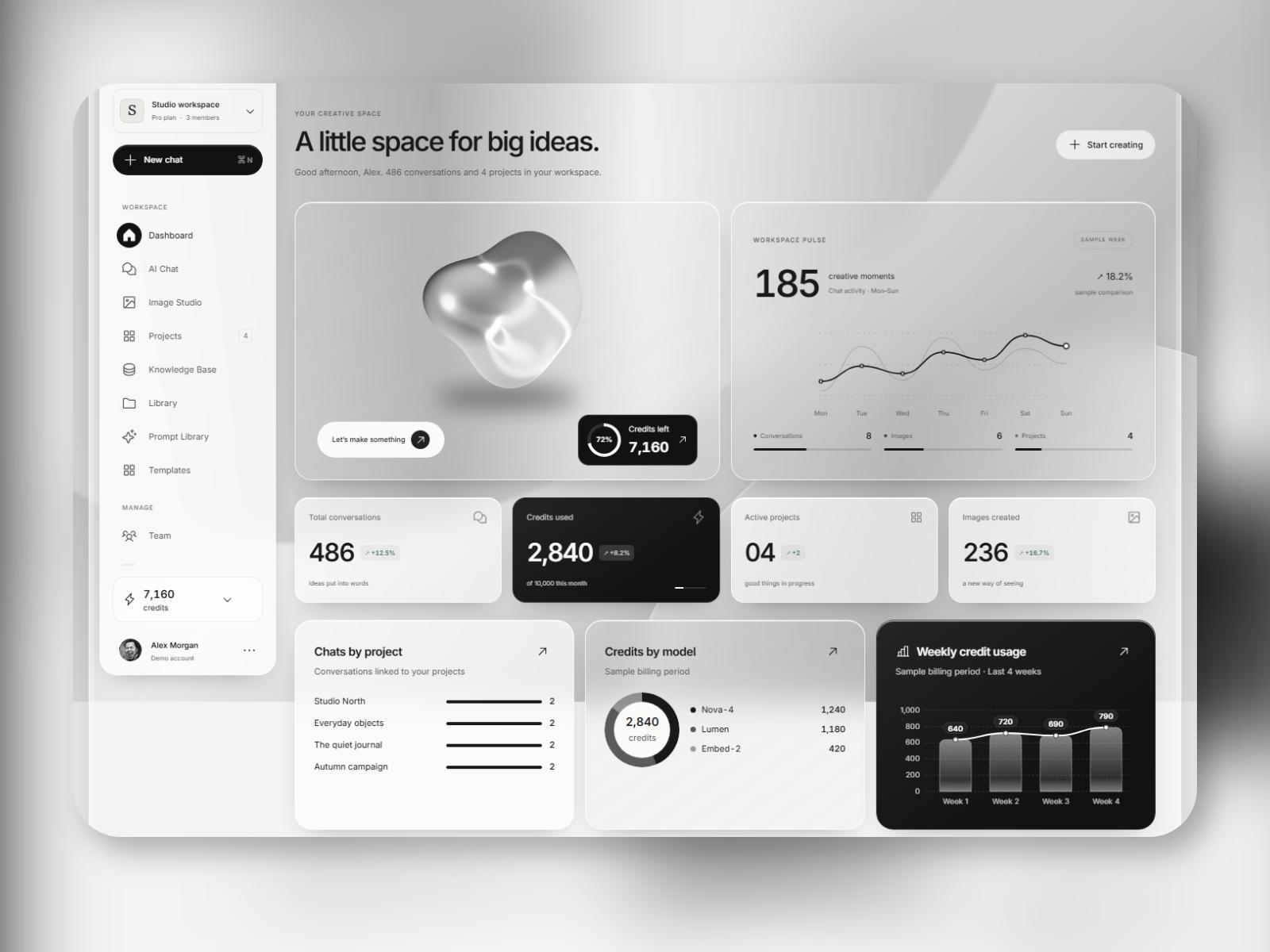
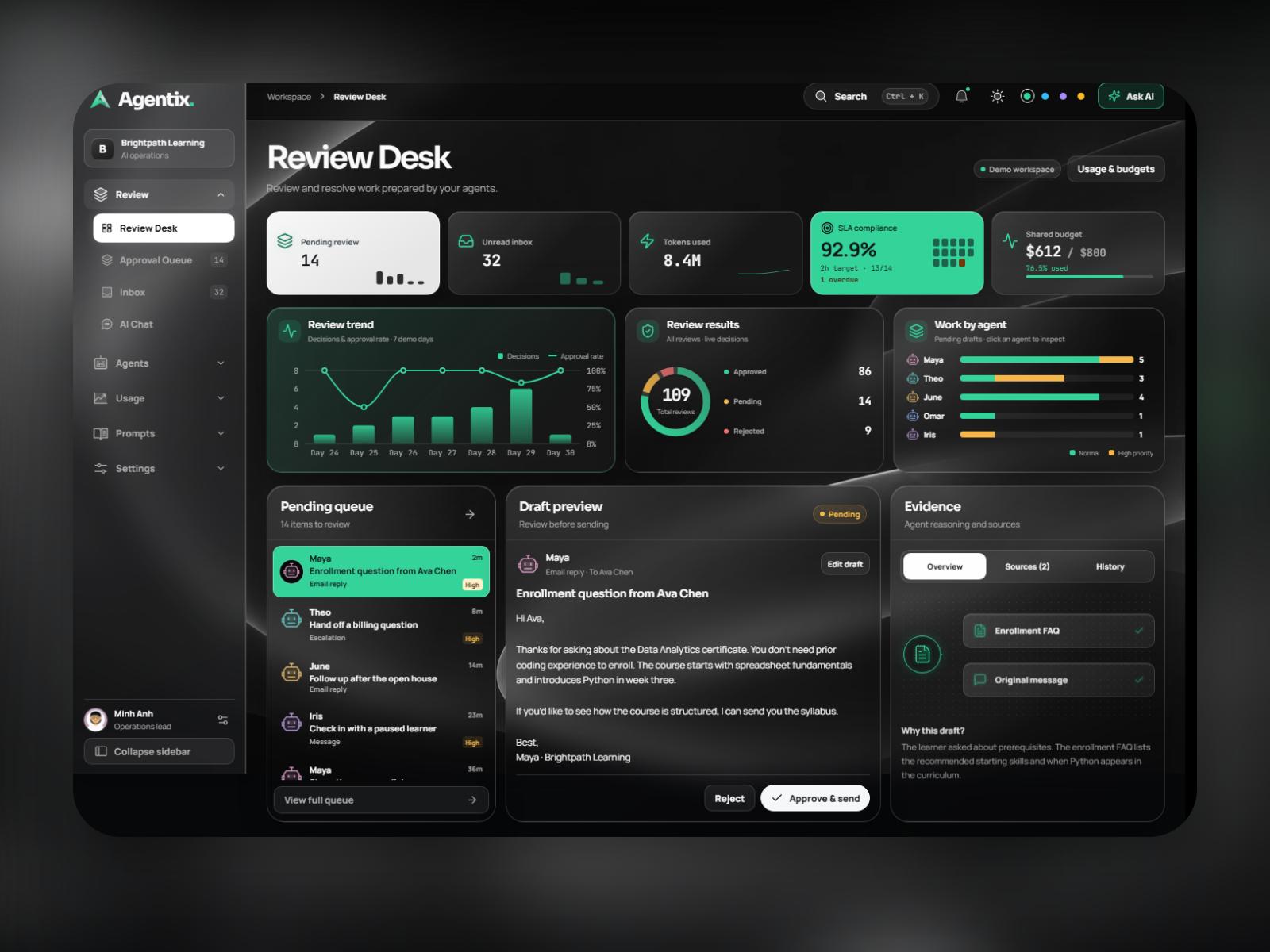
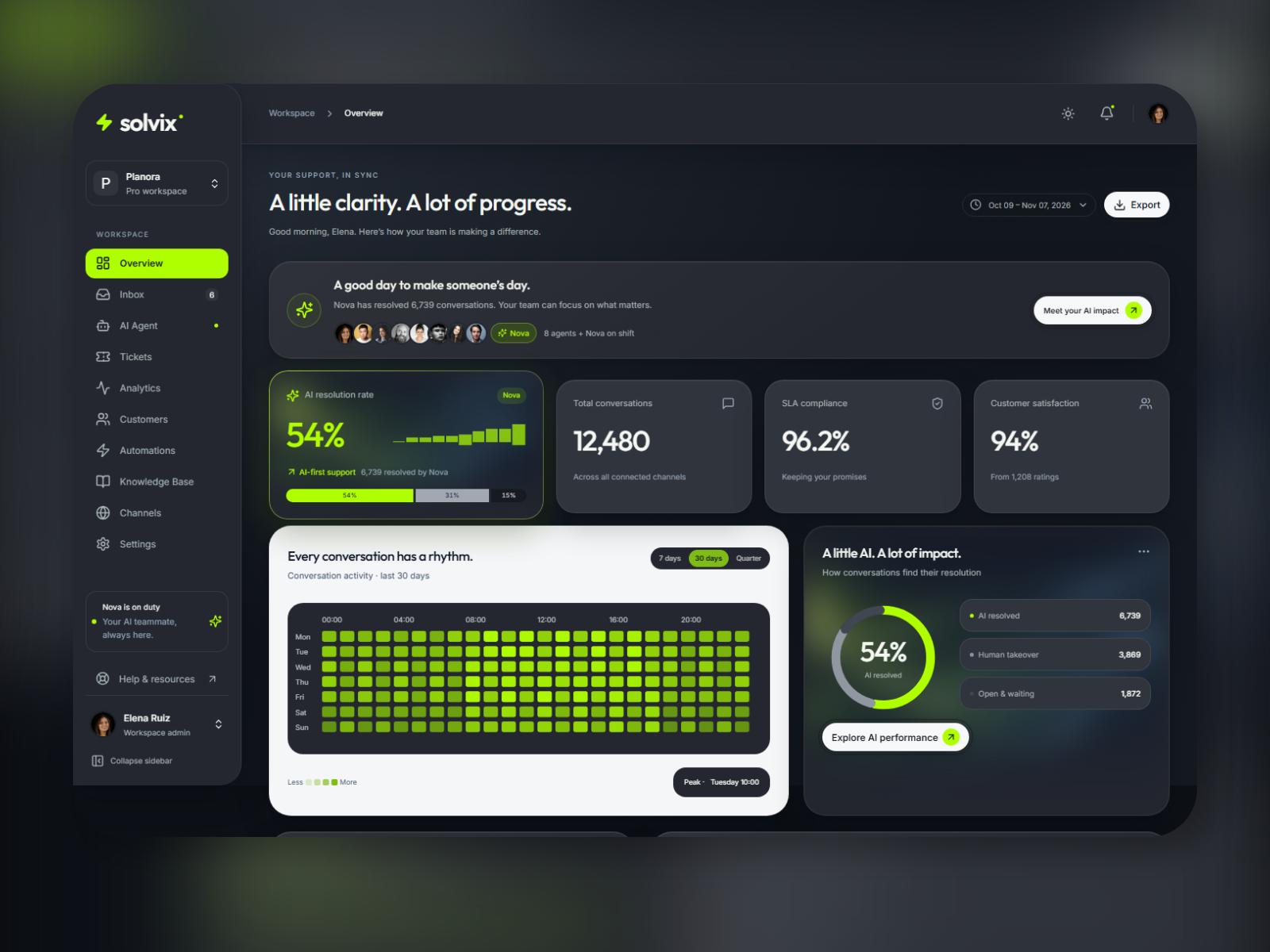
Build the interface for an AI coding product with Codepair, a frontend code template for coding-agent workflows. Follow sessions from prompt to merged code, review diffs file by file, track test runs, and keep the workspace budget under control. A connected Admin workspace covers usage and cost, team seats, models, API keys, and billing, so one package serves both the developers who code every day and the owner who manages the workspace. 33 layouts, three glass themes, and complete Next.js and TypeScript source in one downloadable package.
The App workspace is where developers work on sessions, reviews and test runs each day. Admin is where workspace owners manage their team, usage, billing and settings.
🎯 Perfect for
- Founders prototyping AI developer tools and coding-agent products who need the full session, review, and test workflow in one starting point.
- Teams designing session, code-review, and test workflows who want a realistic review queue, a 12-file diff fixture, and run history as a frontend reference.
- Developers building a SaaS workspace with an administrative surface who need usage, cost, team, and billing screens connected to the same product.
- Agencies and freelancers building custom AI interfaces for client projects, under the included commercial license.
- Product designers and frontend teams prototyping developer tools, agent activity timelines, or workspace administration.
📦 What you get
Your purchase includes a downloadable Codepair v1.0.0 source ZIP with:
- Application source in src/, package.json and package-lock.json for installing the project dependencies.
- A buyer README with setup, sample-data replacement, and customization instructions.
- LICENSE (Soidesmax License v2) and customer documentation for pages, components, and animations.
- A static production export in out/ for previewing the delivered interface.
- Local image assets used by the demo, reusable interface components, and shared design tokens.
This is a code template. You receive source files to run and customize in your development environment.
🧭 Inside the Codepair template - 33 layouts
💻 Sessions and coding activity
- Workbench: the signature screen. Session CP-1042 open in three panes (file tree, editor, agent panel), a dock with terminal and test logs, a diff spine in the editor gutter, an agent step timeline, and a session cost meter. Plan, Build, and Review modes switch from the composer.
- Sessions: 248 sessions from the last 30 days with status, mode, repo, creator, duration, tokens, and cost; filter, sort, and open any row in the Workbench.
- Review Queue: 38 diffs waiting for review (Awaiting review 24, Changes requested 9, Approved 5); approve or request changes from the row.
- Diff Review: the 12-file diff fixture for CP-1042 with per-file approve, inline comments, and a review progress bar; Merge unlocks only when all 12 files are approved.
- Runs & Tests: 412 runs from the last 30 days (Passed 356, Failed 38, Flaky 18); filter by repo, session, or status.
- Run Detail: a log viewer with a time-ordered log stream, per-test results with timings, and a Re-run action.
📁 Repositories and prompts
- Repositories: four connected repos with status, latest session, session counts, primary language, and default branch.
- Repo Detail: one repo's file tree, branches, sessions, and settings (default model, auto-review).
- Prompts Library: saved and sample prompts; create, edit, duplicate, favorite, delete, and use any prompt to open a new session in one click.
📊 Workspace administration
- Admin Overview: workspace KPIs - $485.40 spent of a $600 budget (80.9%), 48.6M tokens, 248 sessions, 78% acceptance - with a forecast warning, top member, and top model.
- Usage & Cost: token and cost analysis by day, model, member, and repo, with a forecast line toward the $600 budget.
- Team & Seats and Member Detail: 6 of 8 seats used, roles, pending invites, and per-member tokens, cost, sessions, and acceptance.
- Models & Providers: three models with per-token pricing (Nova-4 $14.00, Mini $5.00, Embed-2 $2.00 per 1M tokens), limits, status, and the default model.
- API Keys: three active keys (prod, staging, CI) plus one revoked; create and revoke keys and see last use.
- Audit Log: the action journal - who did what and when, from sign-ins to budget changes and invites.
- Billing: current plan, the $600 monthly budget, three paid invoices, and the current $485.40 cycle not yet invoiced.
- Admin Settings: workspace settings, budget alerts at 80%, 95%, and 100%, SSO, and data retention.
⚙️ Workspace settings and account
- Settings - General, Editor & Keybindings, Models & Agents, Integrations: workspace, editor theme and shortcuts, default model and agent limits, and GitHub, GitLab, and Slack connection states.
- Two-Factor Setup and Notification Preferences: the 2FA flow with QR, 6-digit code, and backup codes; notification toggles by event group and channel.
- Sign in, Onboarding / Create workspace, Forgot password, Reset password, Verify email: the full entry flow, including a 3-step onboarding (name the workspace, connect a repo, invite the team).
- Help & Support and 404 / Error: sample help articles with a contact form, plus friendly not-found and error states.
- Two shared overlays: Command menu and Notifications panel.
The total is 33 layouts, including the two shared overlays.
🎨 Appearance and motion
Silver, Cryo, and Midnight glass themes. Responsive layouts, locally bundled Inter and JetBrains Mono fonts, count-up effects, chart motion, and session activity animations. Reduced-motion preferences are respected. Charts use SVG and CSS.
Two workspaces in one template
App - where your team codes every day: sessions, Workbench, code review, test runs, repositories and reusable prompts. Admin - where the owner manages the workspace: usage and cost, team seats, models and providers, API keys, audit log, billing and settings. This is a frontend UI template with demo data. You deploy it and connect your own backend / AI - the interface stays the same.
🛠 Tech stack
Next.js 16, React 19, TypeScript strict, and Tailwind CSS v4. Production builds generate a static export in out/. A bundled Node.js server previews the export locally.
🚀 Getting started
Extract Codepair-v1.0.0.zip, open the Codepair folder, and run npm ci, npm run build, then npm run preview. Requires Node.js 22-24. Open http://127.0.0.1:4181 while the server is running.
ℹ️ Demo scope
Authentication, AI activity, repository connections, API keys, billing, email, and reruns are simulated frontend workflows. Production use requires your own backend and providers. Sessions includes a 40-row preview without table sorting or pagination. Full file diffs are supplied for CP-1042 only; other reviews show their own metadata and a clearly identified link to the sample. Local persistence is not a production database or access-control system.
📄 License & Support
License - One purchase covers unlimited end products, yours and your clients'. Use it in client work, change the design, ship it as part of your products. You may not resell, redistribute, or share the template source itself. Updates - all v1.x updates free. Support - bugs and setup, within 2 business days.
Live preview
Explore the Codepair demo. Frontend UI · Demo data - no backend included.
🏷 Tags
AI coding agents, developer tools, coding workspace, SaaS dashboard, code review, test runs, repositories, prompt library, admin dashboard, Next.js template, React, TypeScript, glassmorphism
Included screens / pages
- Workbench
- Sessions
- Review Queue
- Runs & Tests
- Repositories
- Prompts Library
- Admin Overview
- Usage & Cost
- Team & Seats
- Models & Providers
- API Keys
- Audit Log
- Billing
- Admin Settings
- Diff Review
- Run Detail
- Repo Detail
- Member Detail
- Settings — General
- Settings — Editor & Keybindings
- Settings — Models & Agents
- Settings — Integrations
- Sign in
- Onboarding
- Forgot Password
- Reset Password
- Verify Email
- Two-Factor Setup
- Help & Support
- User Billing
- Notification Preferences
- Not Found
- Error
- Command menu and notifications dropdown (overlays)
UI interactions
- Switch User and Admin surfaces using Admin and Back to app
- Switch Silver, Cryo, and Midnight themes
- Create demo sessions and inspect session journey, editor, and agent activity
- Search workspace records through the command menu
- Filter the review queue and inspect the CP-1042 sample file diffs
- Approve files, add comments, and merge the supplied fixture with local persistence
- Inspect run details, test logs, and simulated reruns
- Search and filter repositories and reusable prompts
- Create, edit, duplicate, favorite, delete, and use demo prompts
- Search members, filter roles, and add or remove demo members
- Update selected workspace settings and budgets with shared local state
- Open notifications from the header and mark them read
- Explore simulated account, onboarding, billing, and two-factor setup flows
- View count-up, chart, and session animations with reduced-motion support
What you get
- Codepair-v1.0.0.zip
- Next.js App Router and TypeScript source in src/
- Local styles, SVG icons, avatars, and fonts in public/
- Static production export in out/
- package.json and package-lock.json
- Node.js preview and stylesheet build scripts
- TypeScript tests in tests/
- README with setup and troubleshooting
- Soidesmax License v2 and bundled font license notices
Integrations
Integration boundaries
Frontend UI - Demo data. The preview server serves the static interface; it does not provide a production API.
- AI agents: connect inference, orchestration, streaming, and job storage.
- Repositories and reviews: connect your Git provider, real diffs, permissions, and merge endpoints.
- Runs and tests: connect execution workers, test results, logs, and events.
- Accounts and teams: implement authentication, server-side authorization, invitations, and persistent storage. Demo sign-in is intentionally unrestricted; UI role visibility is not access control.
- Billing and usage: connect payments, metering, invoices, and budget enforcement.
- Notifications and email: connect event sources and delivery services.
Replace browser-local demo state with your own data layer as needed. API-key values and two-factor setup are demonstrations, not working credentials or security services.
FAQ
Does Codepair run real AI coding agents?
It demonstrates the frontend workflow. Connect your own AI service, execution environment, and backend for production.
Which framework does it use?
Next.js 16, React 19, TypeScript strict, and Tailwind CSS v4. Source and a static production export are included.
How many screens and themes are included?
33 application screens, plus a command menu and notifications dropdown. Themes are Silver, Cryo, and Midnight.
Are all sessions and reviews fully implemented?
Sessions uses a 40-row preview without table sorting or pagination. The complete 12-file diff fixture is supplied for CP-1042. Other reviews show their own metadata and identify the sample separately.
Can I customize the template for a client?
Yes. One purchase covers unlimited end products for your own projects and your clients' projects. You may modify the design and code and use it in commercial client work. Redistribution of the template itself is not permitted.
Do I need a Framer account or a separate Figma file?
No. This package is a Next.js and React source-code template. A Framer remix link and a Figma design file are not part of this download.
Do demo edits survive a reload?
Selected changes persist in local storage in the same browser and origin. They are not synchronized to a server. See Installation & setup for the reset procedure.
Are authentication and billing production services?
They are simulated frontend flows. Supply your own authentication, authorization, payments, and storage.
Version 1.0.0 · Updated
Assets & usage rights
Template source is provided under Soidesmax License v2. Inter and JetBrains Mono are bundled locally with SIL Open Font License notices in public/fonts/. Local Uicons SVG icons are by Flaticon and require the applicable attribution. Avatar photos are locally bundled Unsplash imagery. See the bundled LICENSE, font notices, and in-app Help & Support asset credits. Third-party dependencies and assets retain their original licenses; the template license does not replace those terms.