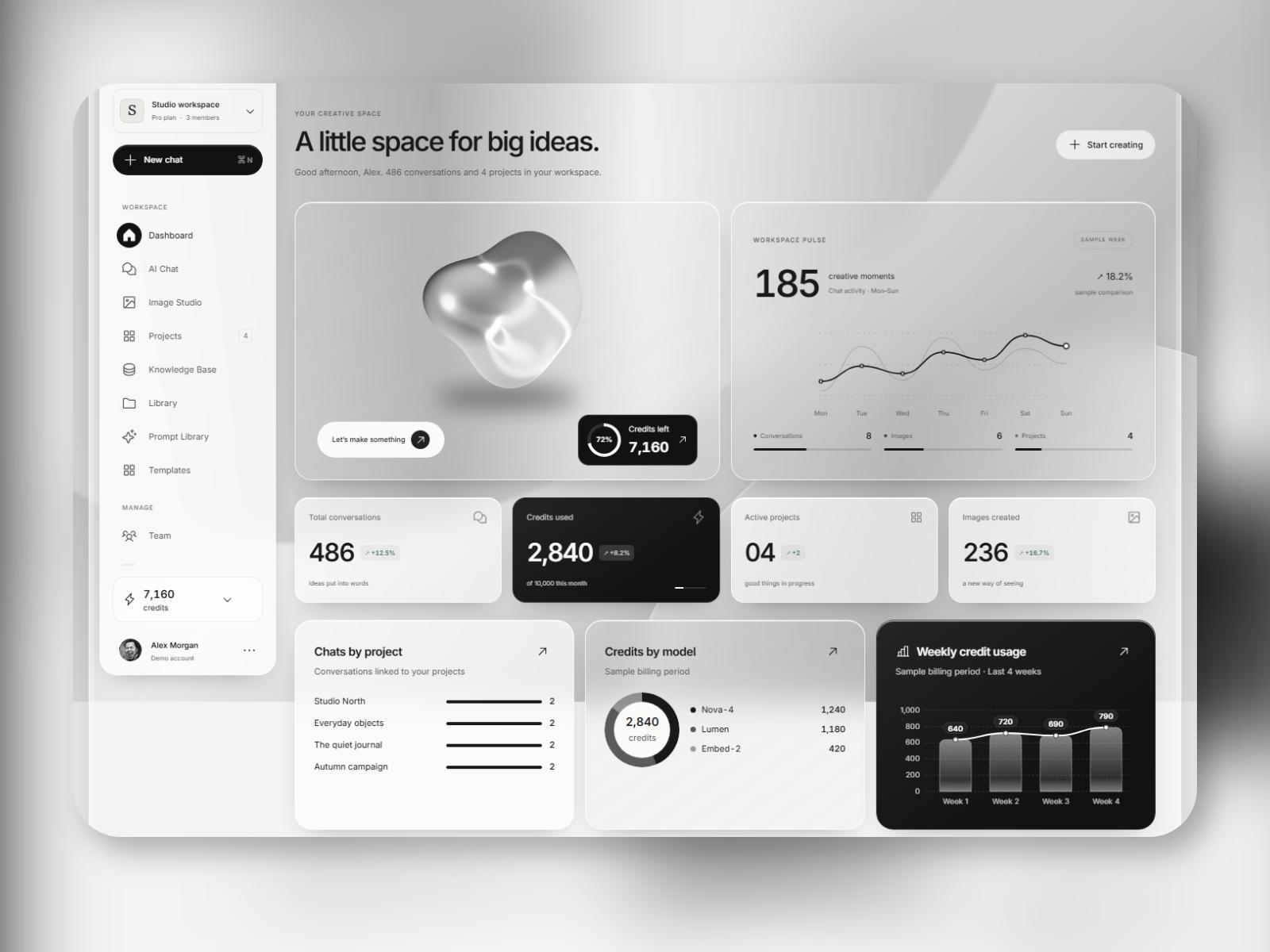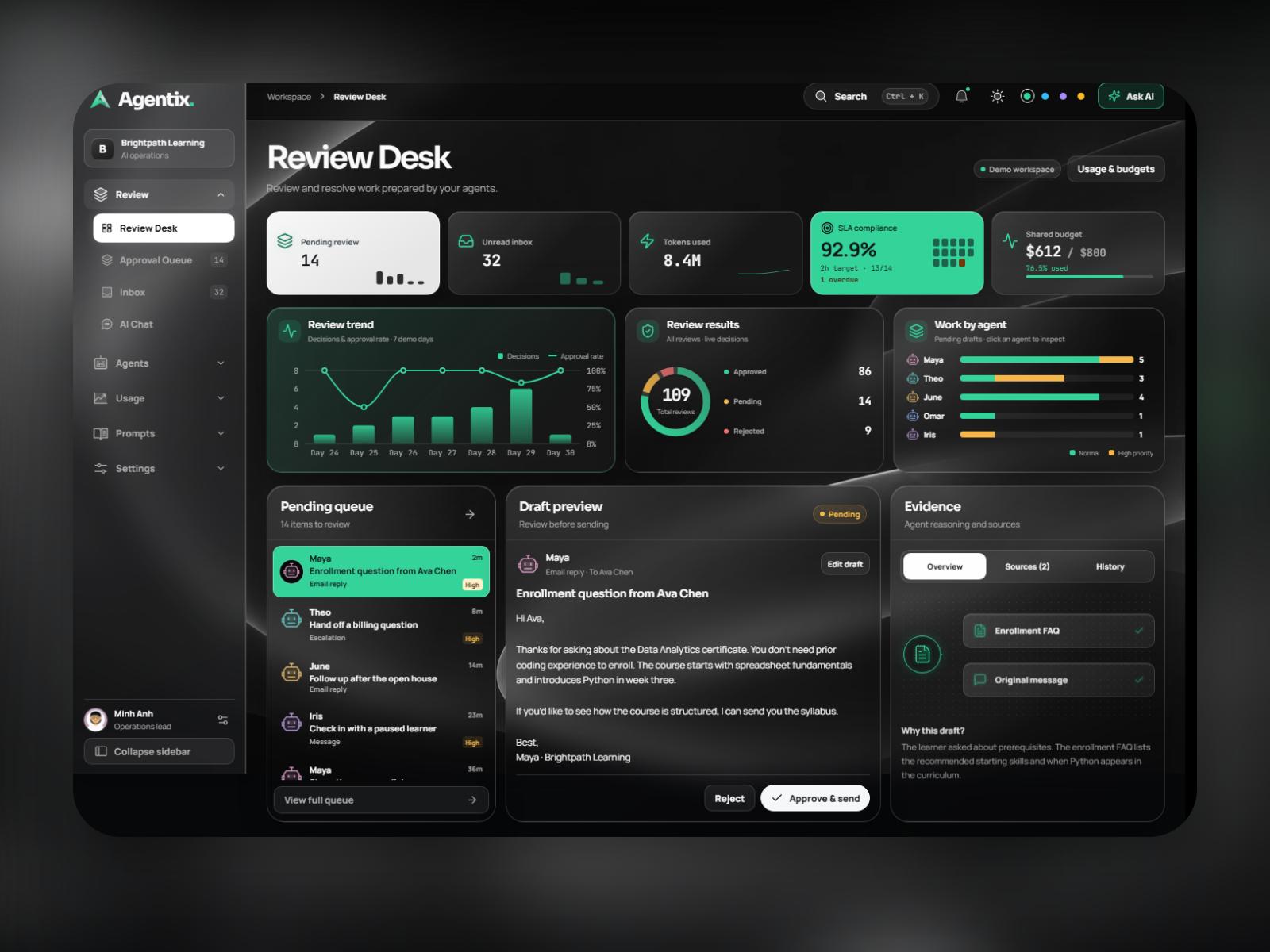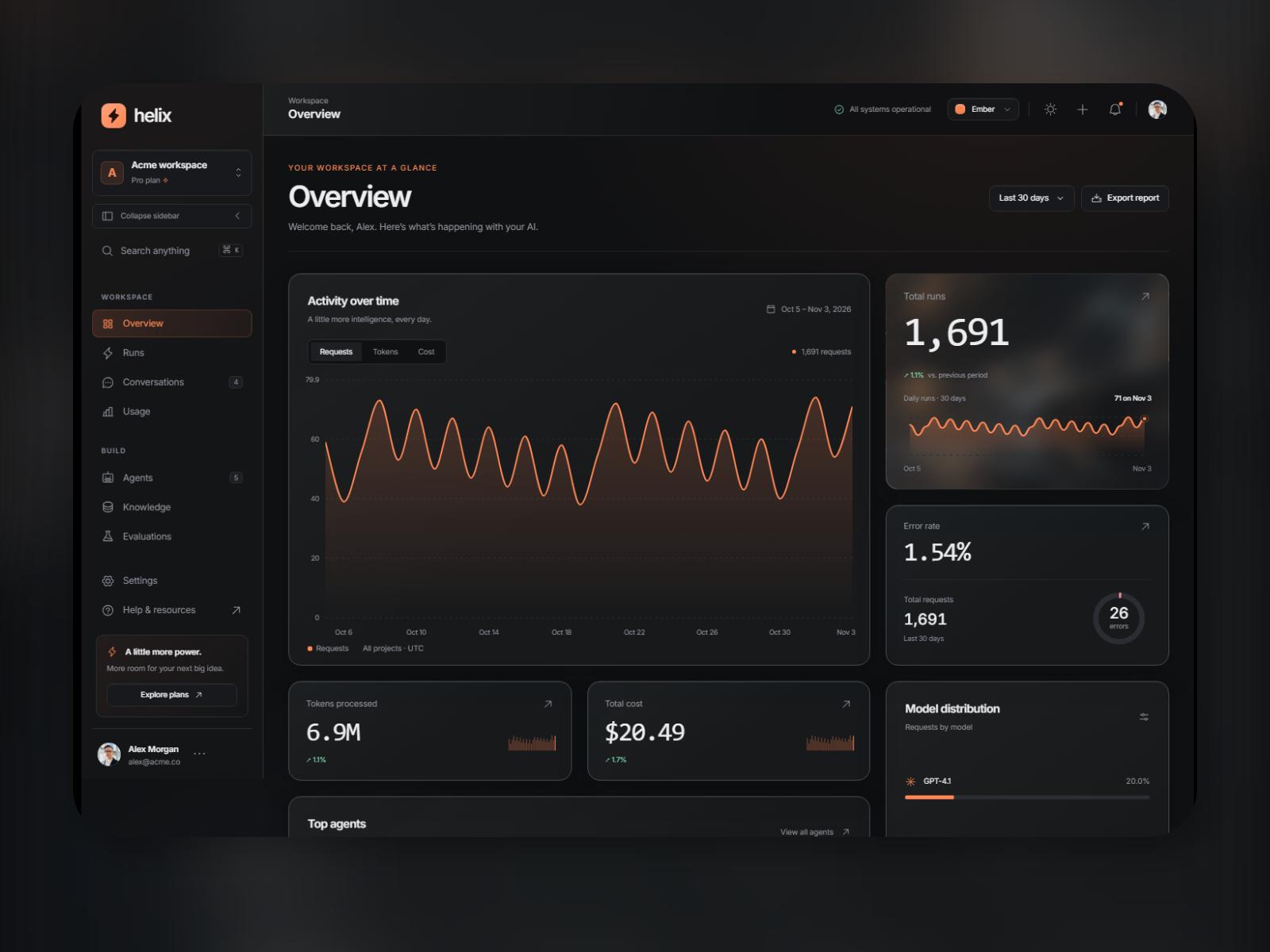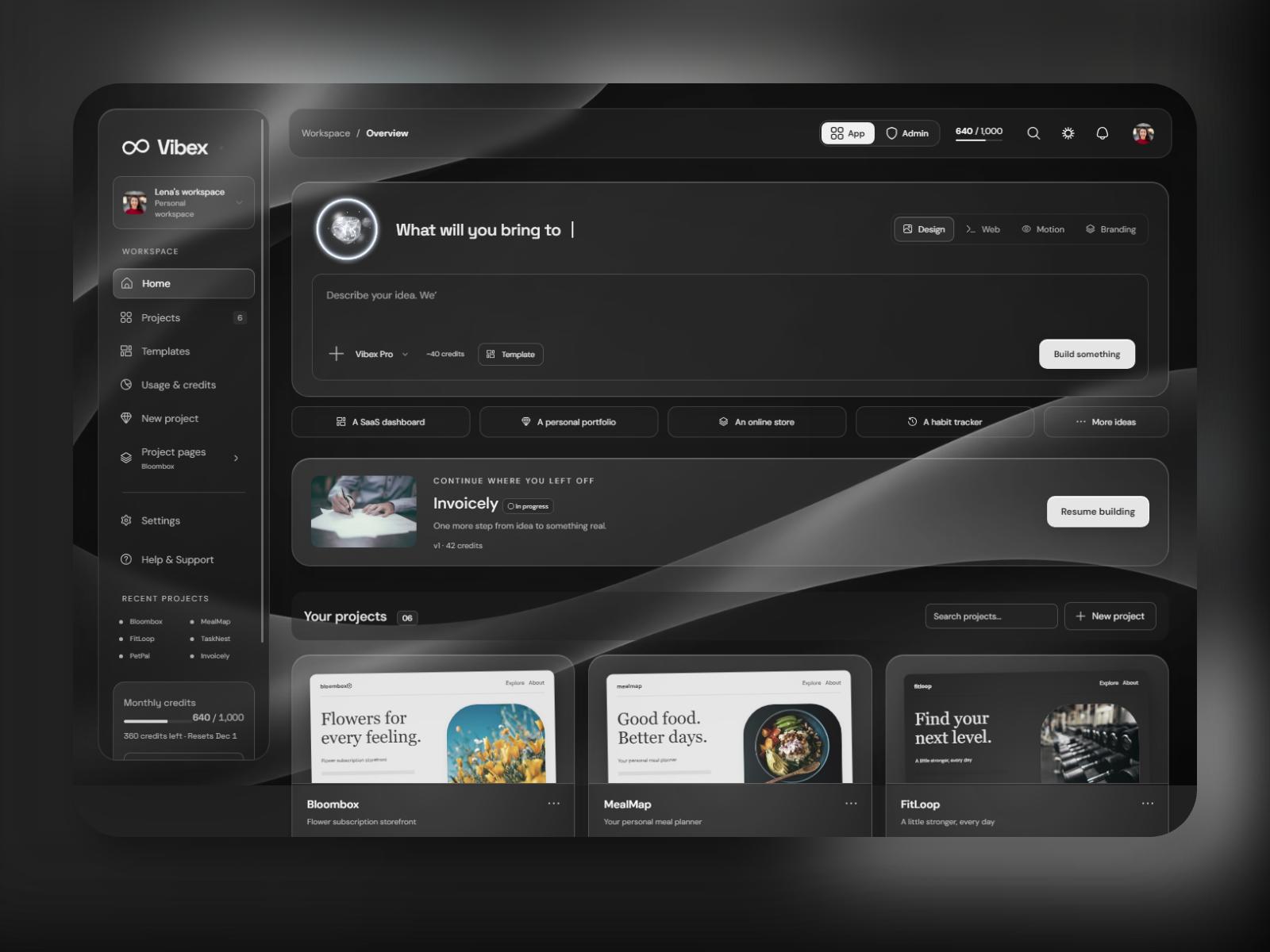
About this product
Live Preview: https://solvix.soidesmax.store/
Solvix is an AI help desk template and customer support inbox built with Next.js, React, TypeScript and Tailwind CSS. Start with a three-pane inbox, simulated AI-to-human handoff, SLA countdowns, knowledge management and support analytics. Explore 45 named navigation views in dark and light modes. Frontend UI · Demo data - no backend included.
🎯 Perfect for
- SaaS founders prototyping an AI-assisted customer support workspace.
- Frontend developers building a support inbox, ticket system or help center.
- Product teams exploring agent guidance, knowledge workflows and human takeover.
- Agencies designing customer service interfaces for client projects, under the included commercial license.
📦 What you get
The Solvix v1.0.0 package contains application source in app/, components/, data/, lib/ and public/, plus package.json, the dependency lockfile, README, SPEC.md and LICENSE. A static export is included in out/ for previewing the delivered interface. Local avatars, shared components and design tokens are included.
This is a source-code template for developers. A Framer remix link and a Figma design file are not part of the download. The included LICENSE covers personal and commercial end products, including client projects.
🧭 Inside the AI help desk template
Inbox and customer conversations
The three-pane inbox brings together the conversation list, message history and customer context. Try Nova's simulated responses, select Take over to enable the human composer, send a demo message or internal note, and use Return to AI on an unresolved conversation. Resolve and reopen states show how a support workflow can fit together.
The Copilot panel and knowledge context illustrate assistance inside the inbox. Typing, collision and presence indicators are demonstrations; they do not synchronize multiple real agents. No messages are delivered to customers or external channels.
Overview, tickets and SLA tracking
Overview combines sample AI resolution outcomes, a volume heatmap and an SLA gauge. Ticket interfaces include lists, detail views, a kanban board and SLA information. Table controls provide sorting, filtering, pagination and selection. Kanban supports drag interactions and a select alternative for keyboard use.
SLA countdowns demonstrate time-sensitive support states. Historical KPI totals are fixed demo snapshots; changing one of the seven sample inbox conversations does not recalculate the full 30-day history.
AI agent workspace
Explore Guidance, Procedures, Coverage, Simulations, Preview, Deploy and Analyze interfaces. Configure demo behavior and inspect knowledge-based previews. These are frontend workflows, not a hosted AI service. Simulations and Preview use local knowledge checks rather than language-model evaluation. An unavailable confidence evaluation is displayed as a dash.
Analytics and customer context
Support, Responsiveness, SLA, CSAT, AI Performance, Team and Workload views show different ways to present sample service metrics. Customer screens and the inbox context panel provide a starting point for connecting your own customer records.
Knowledge and automation
Knowledge Base and public Help Center interfaces support the knowledge workflow. Article editing and version states demonstrate how content can feed local AI previews. Automations include Rules, Builder, Macros and Workflows interfaces. Add your backend and execution engine to turn these interface examples into production automation.
Channels and settings
Channel and workspace settings screens complete the support administration experience, with sign-in and error interfaces. Channel connections, authentication and billing are examples only; they do not connect accounts, authenticate users or process payments.
The package has 45 named navigation views. The original 48-item blueprint also counted nested components and states; it does not mean 48 independent pages.
🎨 Appearance and customization
Use the dark navy interface or switch to full light mode. Shared tokens make it easier to adapt colors and surfaces. The responsive sidebar contracts into a rail and then a menu on smaller screens. Motion respects reduced-motion preferences.
Seed data lives in data/. Demo edits use lib/live-state.ts and browser localStorage. There is no shared server database, so changes in one browser are not synchronized with other visitors. Replace fixtures and connect your own API as you develop the product.
🛠 Tech stack
Next.js App Router, React, TypeScript and Tailwind CSS provide the application foundation. Radix UI supports interface primitives, TanStack Table supports table behavior, Recharts supports charts, and Motion supports animation. Custom SVG graphics include the heatmap, resolution flow and SLA gauge.
Runtime: Node.js 22.18.0 or newer; Node.js 24 is recommended. Use the included lockfile to preserve resolved dependencies. Fonts use Google Fonts with a sans-serif fallback; fully offline distribution requires self-hosted fonts.
🚀 Getting started
- Extract the purchased ZIP and open the directory containing
package.json. - Install Node.js 22.18.0 or newer, preferably Node.js 24.
- Run
npm cito install the locked dependencies. - Run
npm run devand openhttp://127.0.0.1:3000to view Overview. - If port 3000 is busy, run
npm run dev -- --port 4317and openhttp://127.0.0.1:4317. - Follow the README to replace fixtures, customize tokens and connect services.
Troubleshooting
Run commands from the folder containing package.json, check your Node version and keep the lockfile. Use an HTTP server for the static export rather than opening out/index.html through file://. On Windows, the included start and preview scripts provide shortcuts. Browser storage keeps demo changes; consult the README for reset keys when you want the original fixtures.
ℹ️ Demo scope
Frontend UI · Demo data. No backend, database, authentication service, real AI inference, payment processing or live channel integration is included. You supply those services and credentials for your own product. Example names and customer records are fictional.
❓ Frequently asked questions
Is this AI help desk template a working AI backend?
No. Solvix supplies the frontend interface and demo data. You connect your own backend, authentication, database and AI services.
Do I need a Framer account or a separate Figma file?
No. This package is a Next.js and React source-code template. A Framer remix link and a Figma design file are not part of this download.
Can I customize the template for a client?
Yes. One purchase covers unlimited end products for your own projects and your clients' projects. You may modify the design and code and use it in commercial client work. You may not redistribute, resell, share or sublicense the template or its source files, or use them to create a competing template, UI kit or component library.
Where do I change the sample data and colors?
Start with data/ and follow the README for design-token changes. For framework guidance, see the official Next.js documentation.
📄 License & Support
License — One purchase covers unlimited end products, yours and your clients'. Use it in client work, change the design, ship it as part of your products. You may not redistribute, resell, or share the template itself, in whole or in part.
Updates — all v1.x updates free. Support — bugs and setup, within 2 business days.
Live preview
Browse more products at Soidesmax. Try the live preview at https://solvix.soidesmax.store/ before buying.
🏷 Tags
help desk, helpdesk, customer support, support inbox, support ticket, ticket system, knowledge base, help center, live chat, ai agent, ai support, sla tracking, csat, admin dashboard template, react template, nextjs template, saas dashboard, dashboard ui kit
Explore the Solvix AI help desk template, then connect the services that power your support product.
Included screens / pages
- Overview
- Global search
- Your inbox
- Unassigned
- All conversations
- Created by you
- Saved views
- Team inboxes
- AI Overview
- Guidance
- Procedures
- Knowledge coverage
- Simulations
- Preview
- Deploy & Analyze
- All tickets
- Ticket detail
- Kanban
- SLA dashboard
- Merge & bulk actions
- Support overview
- Responsiveness
- SLA report
- CSAT report
- Team & workload
- AI performance
- Customers
- Customer detail
- Segments & tags
- Rules
- Rule builder
- Macros
- Workflows
- KB manager
- Article editor
- Help Center
- Public article
- Channels
- Team & agents
- Assignment & collision
- Workspace settings
- Billing & plans
- Profile & notifications
- Sign in
- 404
UI interactions
- Three-pane inbox with simulated AI replies, Take over / Return to AI, messages and internal notes
- Resolve/reopen conversation states and browser-local persistence
- SLA countdowns, support metrics, heatmap and analytics charts
- Ticket tables with sort/filter/pagination and Kanban drag/select controls
- Knowledge article editing, versions and local knowledge-based AI previews
- Dark/light modes and responsive sidebar; presence/collision are simulated
What you get
- app/ - Next.js routes
- components/ - shared support workspace UI
- data/ - typed seed data
- lib/ - helpers and browser-local demo state
- public/ - local avatars and demo assets
- out/ - ready-made static export
- package.json + package-lock.json
- README.md + SPEC.md + commercial LICENSE
- scripts/ - data/export verification and static preview
Integrations
Frontend UI · Demo data. No backend, database, authentication service, real AI inference, payment processing or live channel integration is included. AI replies, collision/presence, agent deployment and channel connections are demonstrations. Demo edits are localStorage state in this browser, not a shared server database. Connect your own services and keep private credentials out of public frontend code.
FAQ
Is Solvix a working AI backend?
No. Solvix includes frontend UI and typed demo data. You connect your own live services.
Is this a Framer or Figma product?
No. This download contains Next.js and React source code. No Framer remix link or Figma file is included.
Can I use it for client projects?
Yes. One purchase covers unlimited end products for your own projects and your clients' projects. You may modify the design and code and use it in commercial client work. You may not redistribute, resell, share or sublicense the template or its source files, or use them to create a competing template, UI kit or component library.
Where do I replace sample data?
Use the data/ folder and follow the included README for setup and customization.
Version 1.0.1 · Updated